
v2.0ComingiPhone Duo Launch Day
12 AM EST

Call it LaZ Viz.

LaZ Visual Audio Equalizer is now LaZ Viz Audio Visualizer. New name. New screens. Same soul.

v2.0 is a free update for existing owners. Seven new screens. Six Dairy Freefall looks, including your own DJ logo. Refreshed VU meters. A 2002 car stereo with dolphins, F1 cars, and four live displays. Plus layouts built for iPad and iPhone Duo.

USD · One-time purchase. No subscription.
Current App Store price. Local pricing may vary.

Microphone driven. No signup. No tracking. No subscription.

LaZ Viz v2.0 Recorded on iPad
2002 Dairy Freefall Aftershock Oceanic Jeep Beach Block Monster VU McVU Phosphor Classic Viz Blue Da Ba Dee Custom Viz CHONK-O-VIZ™ VOX 1995 Dolphin OEL Movie iPad + iPhone Duo Jeep Mode AirPlay + Bluetooth

What's new in v2.0

New screens. Rebuilt audio analysis. Bigger displays.

A rebuilt audio engine.

The microphone drives spectrum bars, falling peaks, waves and terrain. VU and McVU have a refreshed needle response, with independent left and right channels. The new VU face includes copper mechanisms that move with the needles.

The dolphin and F1 movies in 2002 are decorative loops, independent of the music.
Native iPad layouts.

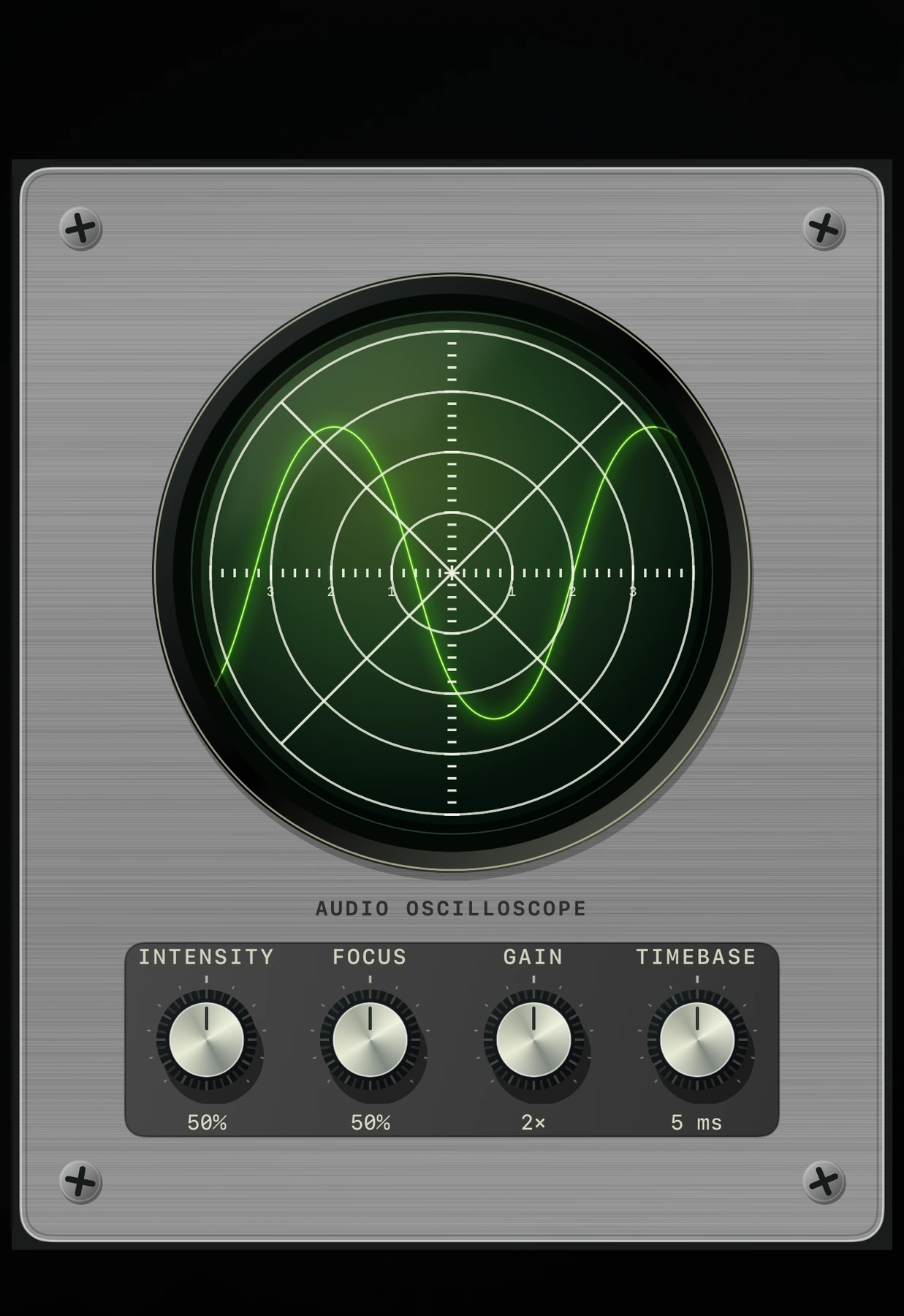
Portrait and landscape layouts use the larger display. Tap to embiggen the artwork, then tap again to return to the full controls. Phosphor adds a green oscilloscope with adjustable Intensity, Focus, Gain and Timebase.

Phosphor is available on iPad and iPhone Duo.

Layouts for iPhone Duo.

Dedicated Duo layouts adapt to its displays and fold regions. Meter faces remain complete, the Phosphor tube stays round, and its display and controls can occupy separate panes.

See the Duo development captures

New in v2.0 / 2002

A little blue.
A lot of nostalgia.

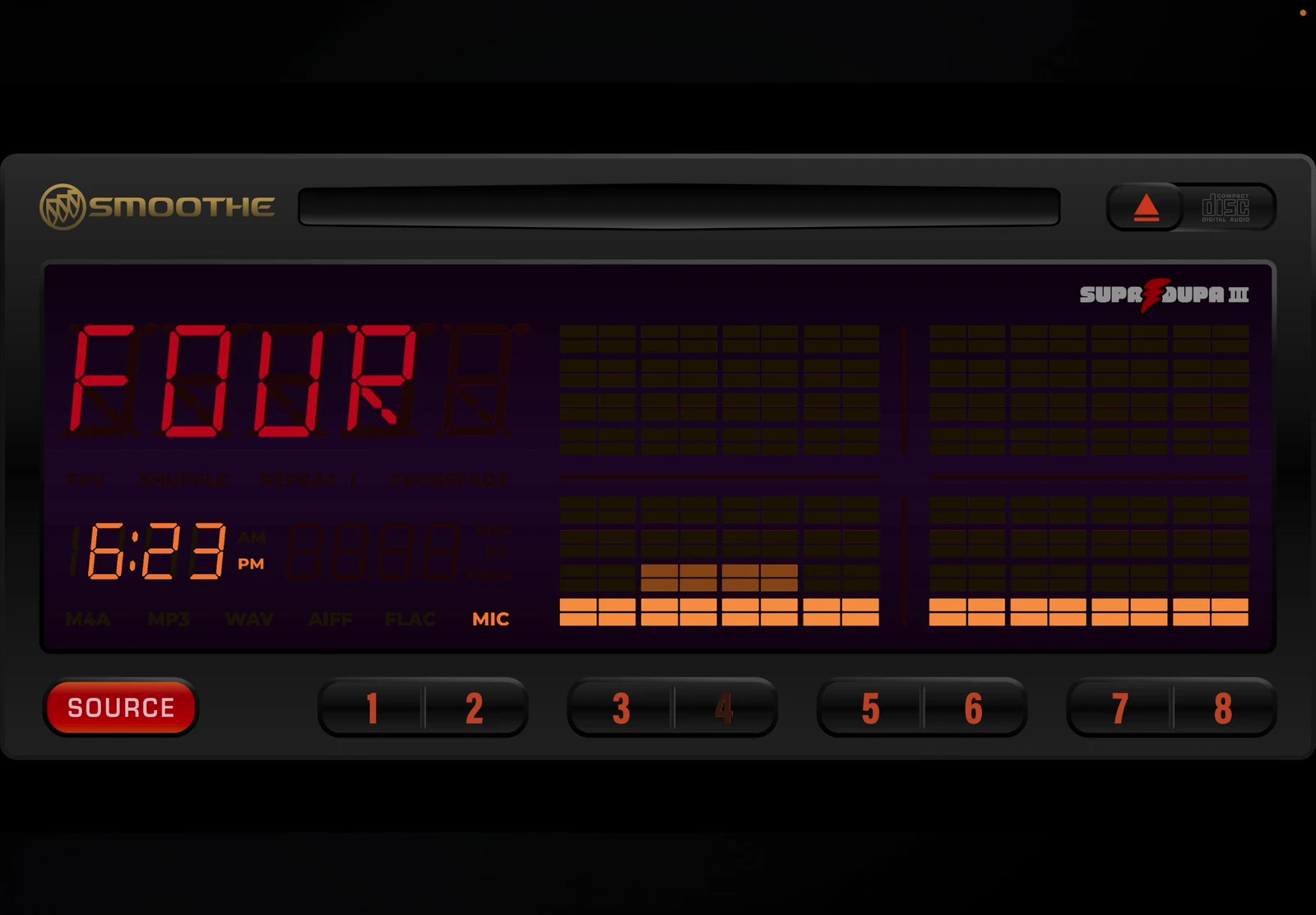
Polished knobs. Tactile controls. That unmistakable OEL glow. 2002 is a tribute to the character of turn-of-the-century car audio, right down to the dolphins cruising across its display.

The dolphin and F1 movies recorded inside 2002 on iPad. Decorative loops, independent of the music.
The head unit itself was handcrafted with love by a real, genuine human graphic artist. The dolphin and F1 car movies are AI slop, generated as an homage to the original artwork. I hope you don’t think less of me for taking a shortcut while trying to produce a polished end product. Haha.

Explore Dairy Freefall’s six looks

(Any similarities to other visualizers named after falling dairy products are a coincidence we worked very hard on.)

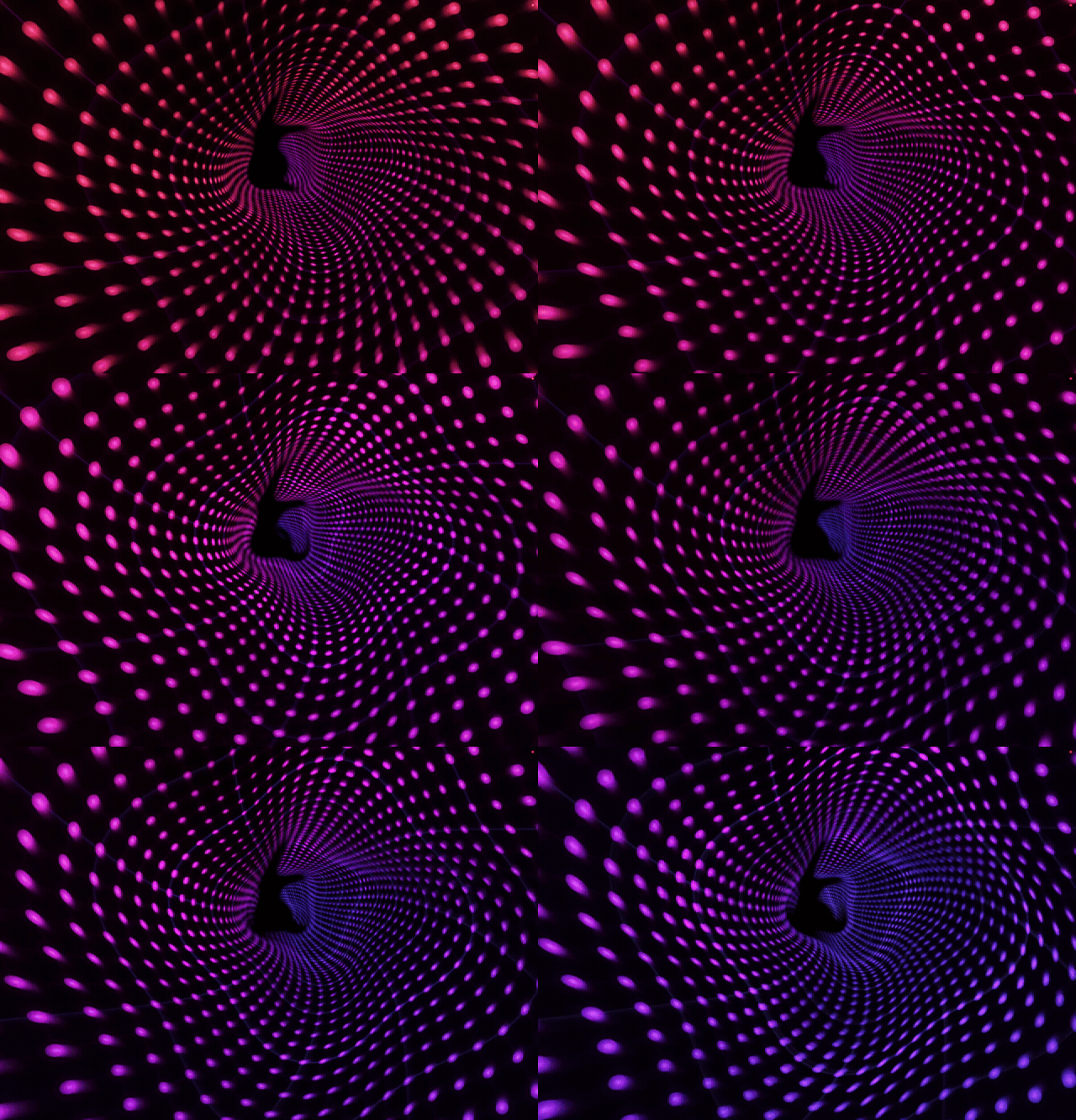
Dairy Freefall Light Tunnel music visualizer, a two-second animation recorded on iPad
Light Tunnel
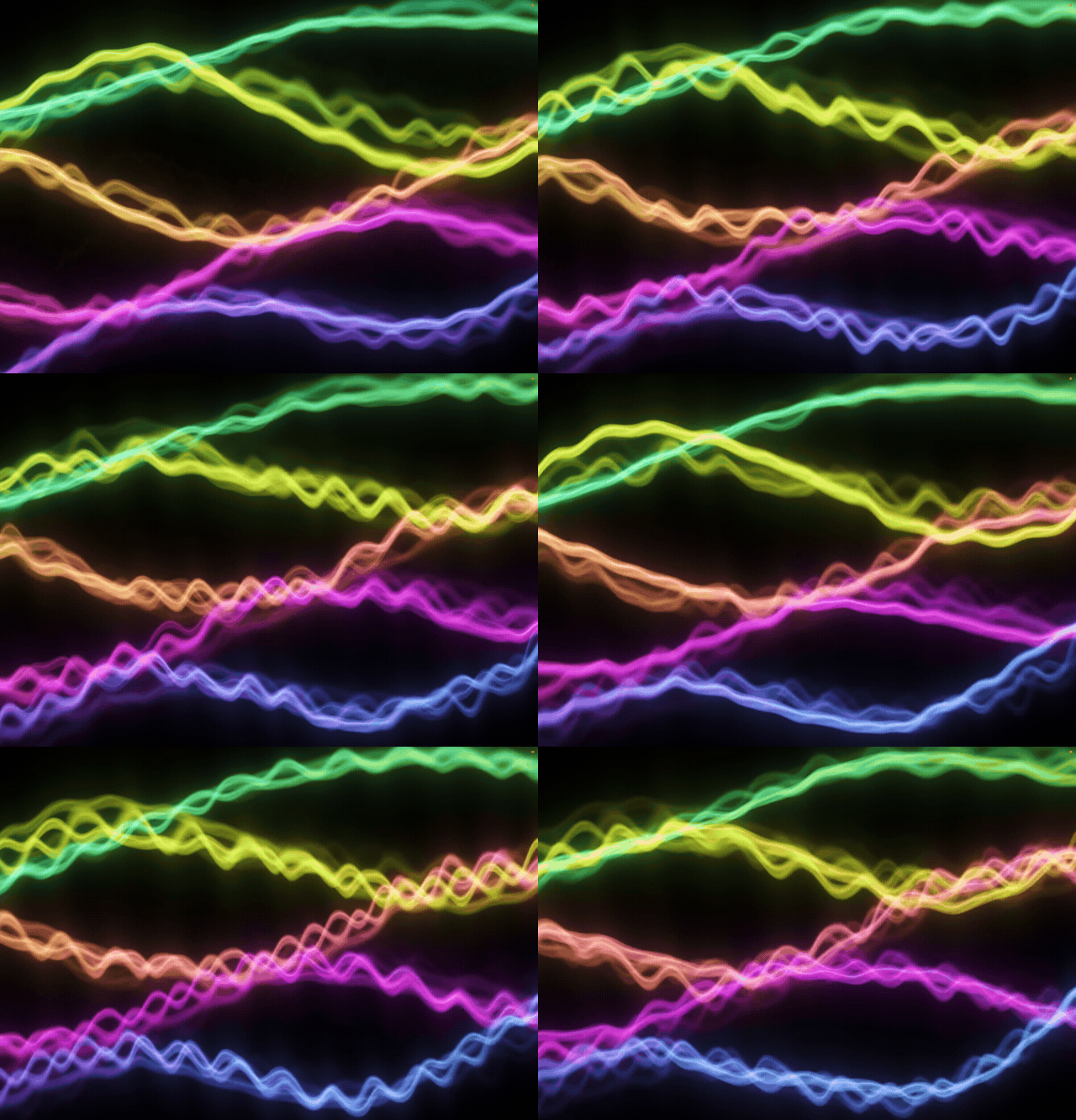
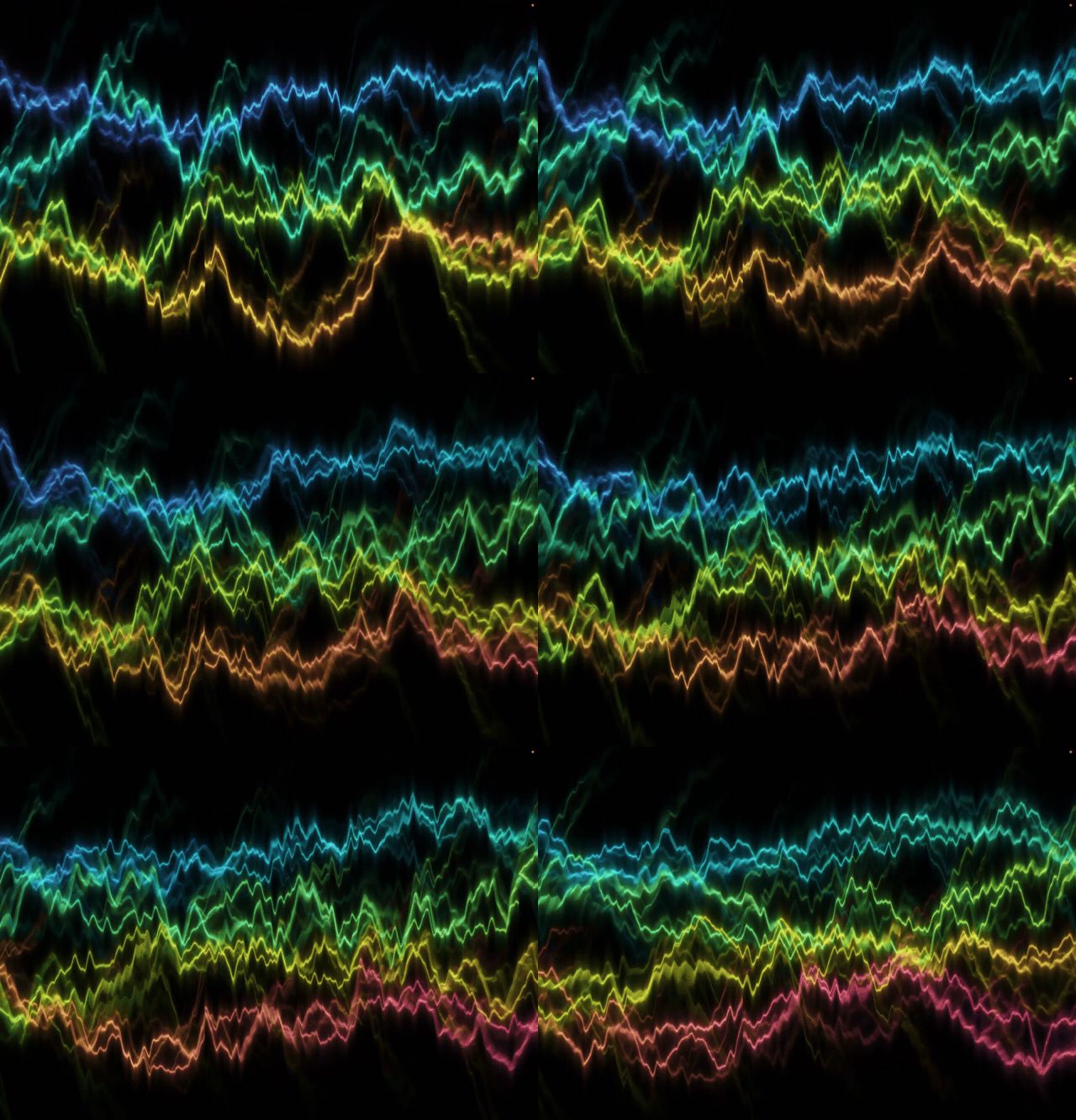
Dairy Freefall Livewire music visualizer, a two-second animation recorded on iPad
Livewire
Dairy Freefall Neon Ropes music visualizer, a two-second animation recorded on iPad
Neon Ropes
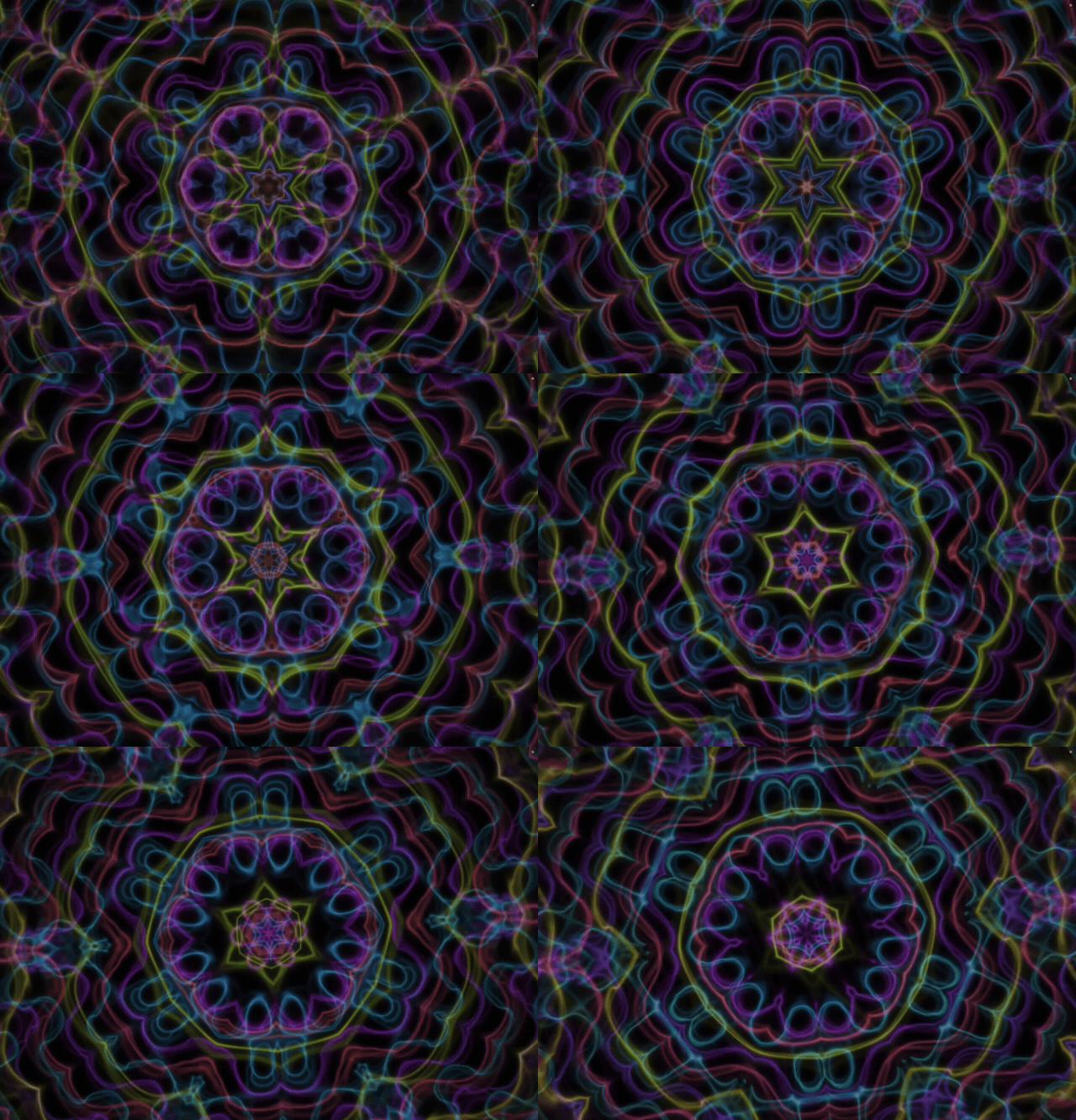
Dairy Freefall Kaleidoscope music visualizer, a two-second animation recorded on iPad
Kaleidoscope
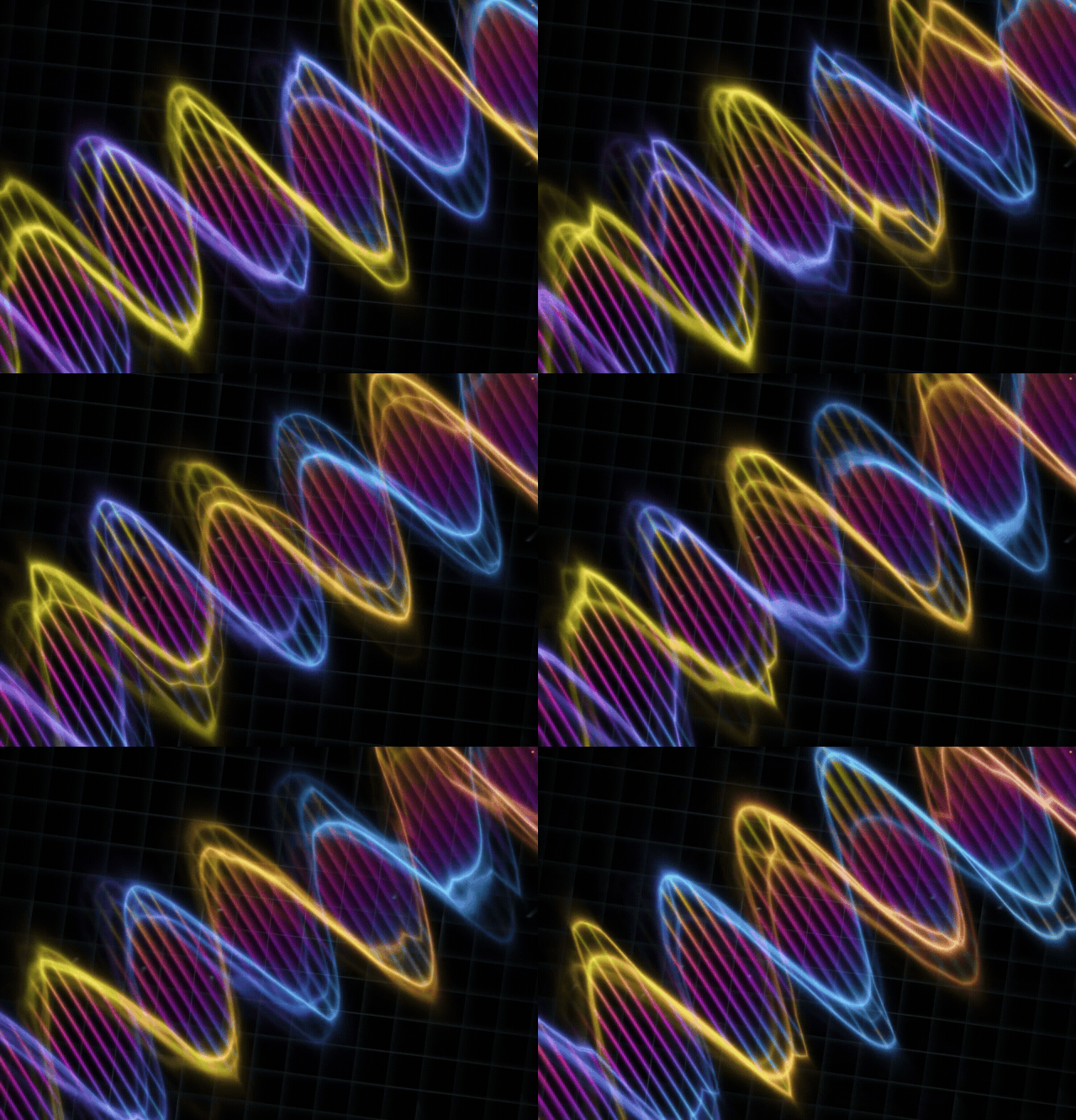
Dairy Freefall DNA music visualizer, a two-second animation recorded on iPad
DNA
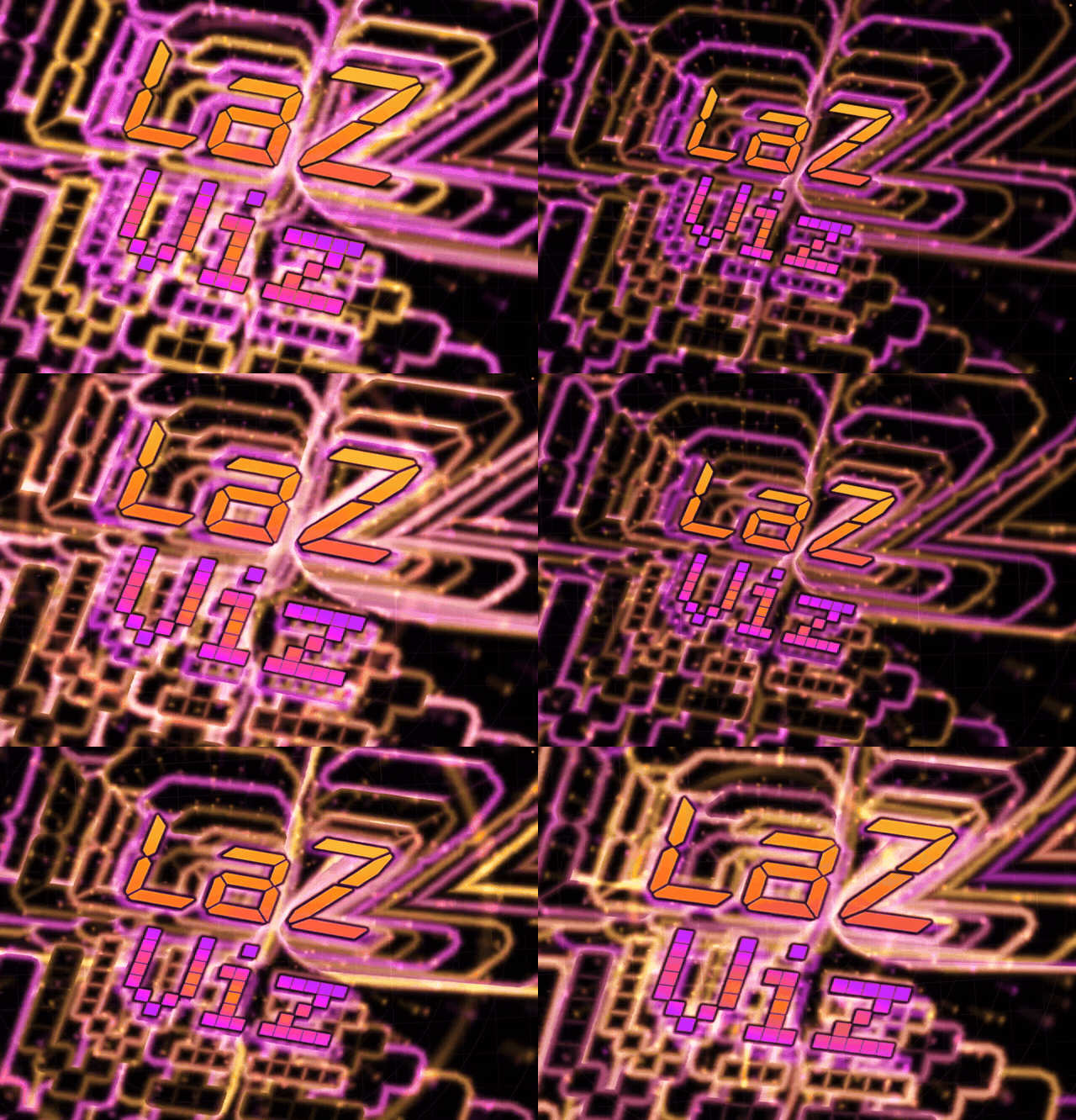
Dairy Freefall Custom DJ Logo music visualizer, a two-second animation recorded on iPad
Custom DJ Logo

The originals, remastered

Old soul. New moves.

The screens you came for, with more care in every detail.

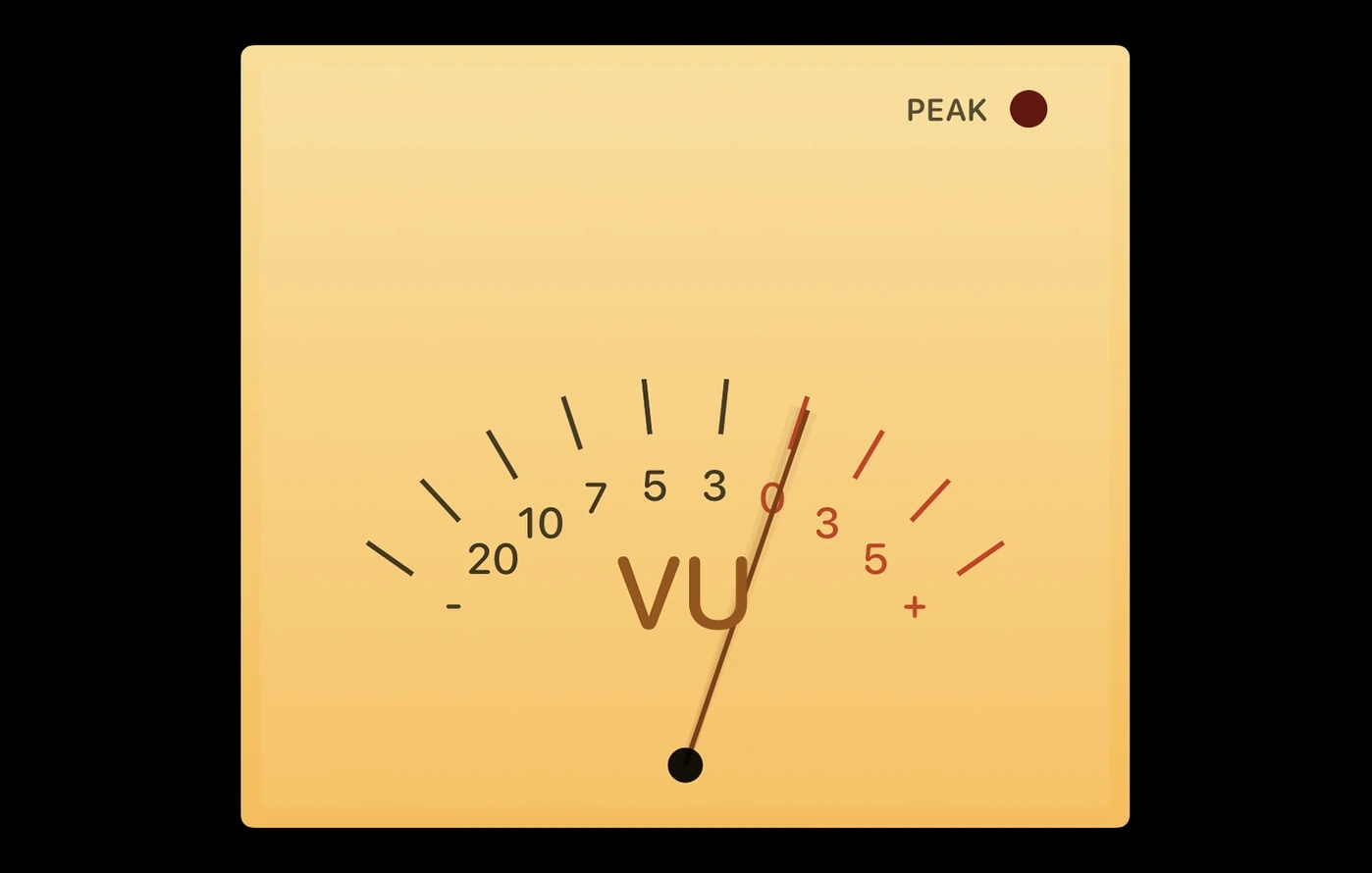
Original VU meter in LaZ Visual EQ v1.21, with a flat yellow face and brown needle

Old & Busted

VU in v1.21.

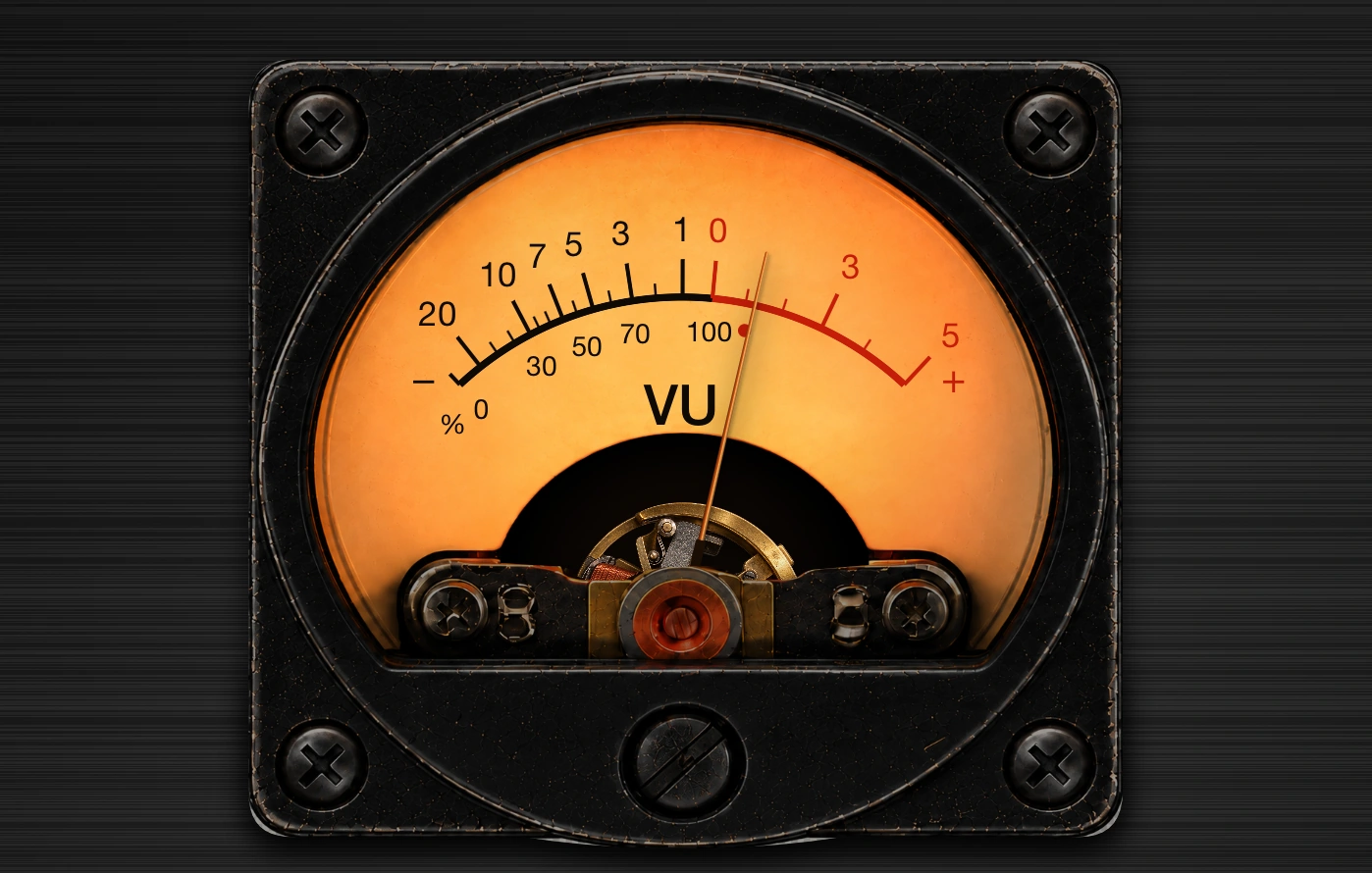
Redesigned VU meter in LaZ Viz v2.0, with a warm analog face, brushed metal and visible copper movement

The New Hotness

VU in v2.0. A redesigned face, brushed metal, and a visible copper movement coupled to the needle.

Built like audio gear

The originals you know.

The Classic, CHONK-O-VIZ™, Blue, and Custom spectrum analyzers, plus VOX and 1995, keep their original designs. Both VU screens have been redesigned and tweaked for v2.0, with a refined mechanism and shared needle response.

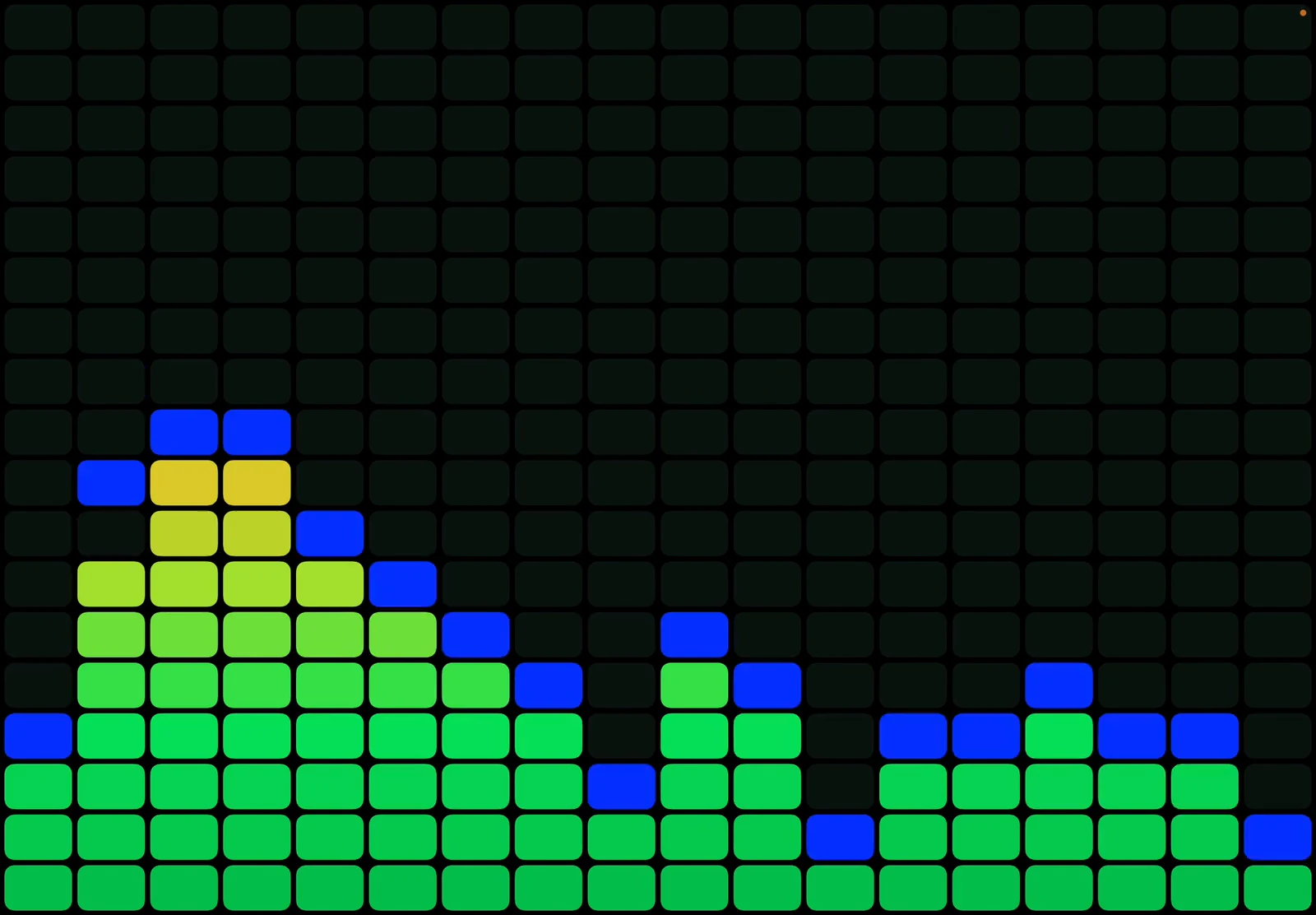
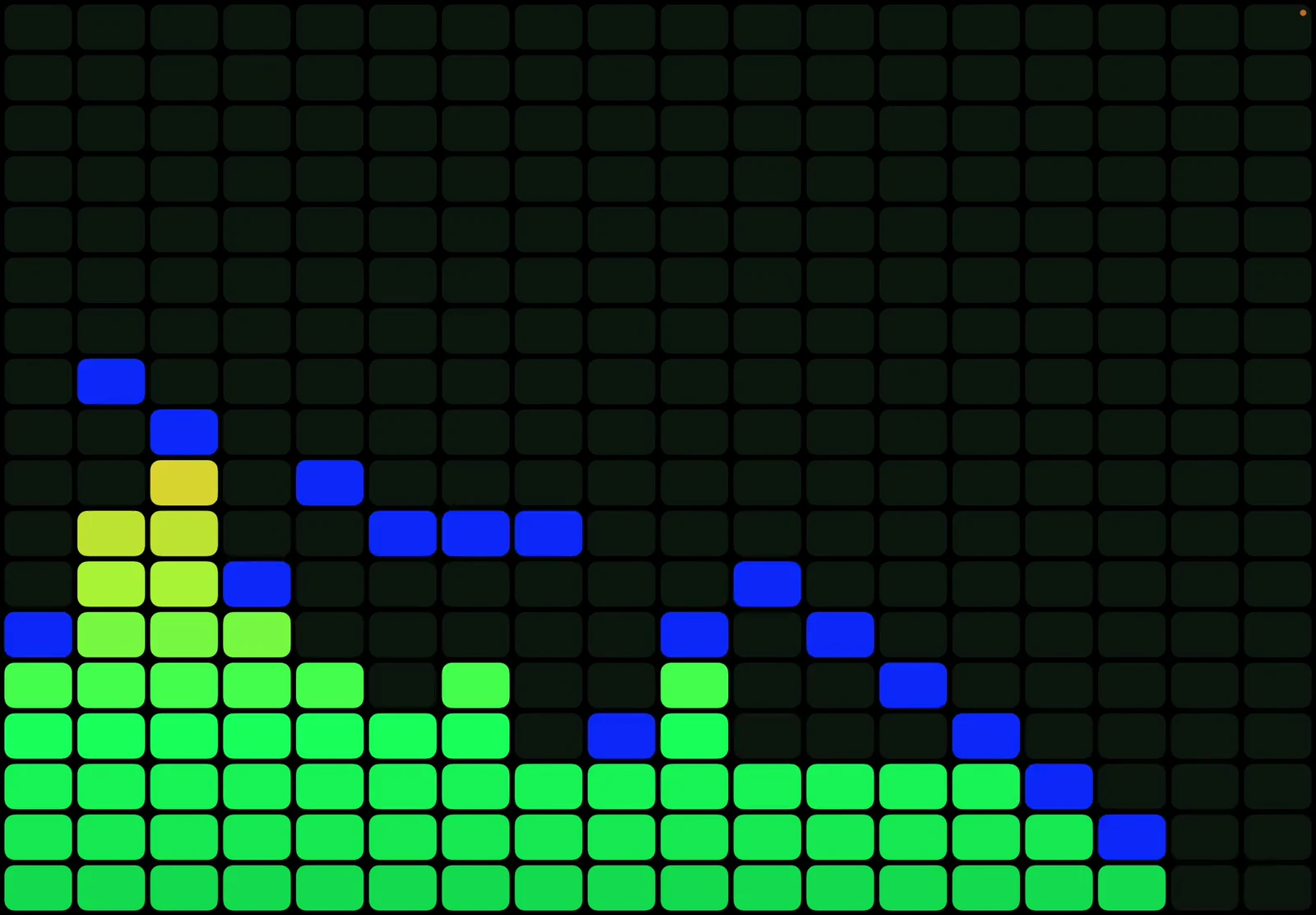
Classic Viz captured on iPad with green spectrum bars and blue falling peaks

Classic + Blue Viz

The original green-to-red display, its cool Blue Da Ba Dee sibling, and a grayscale option when monochrome is the mood.

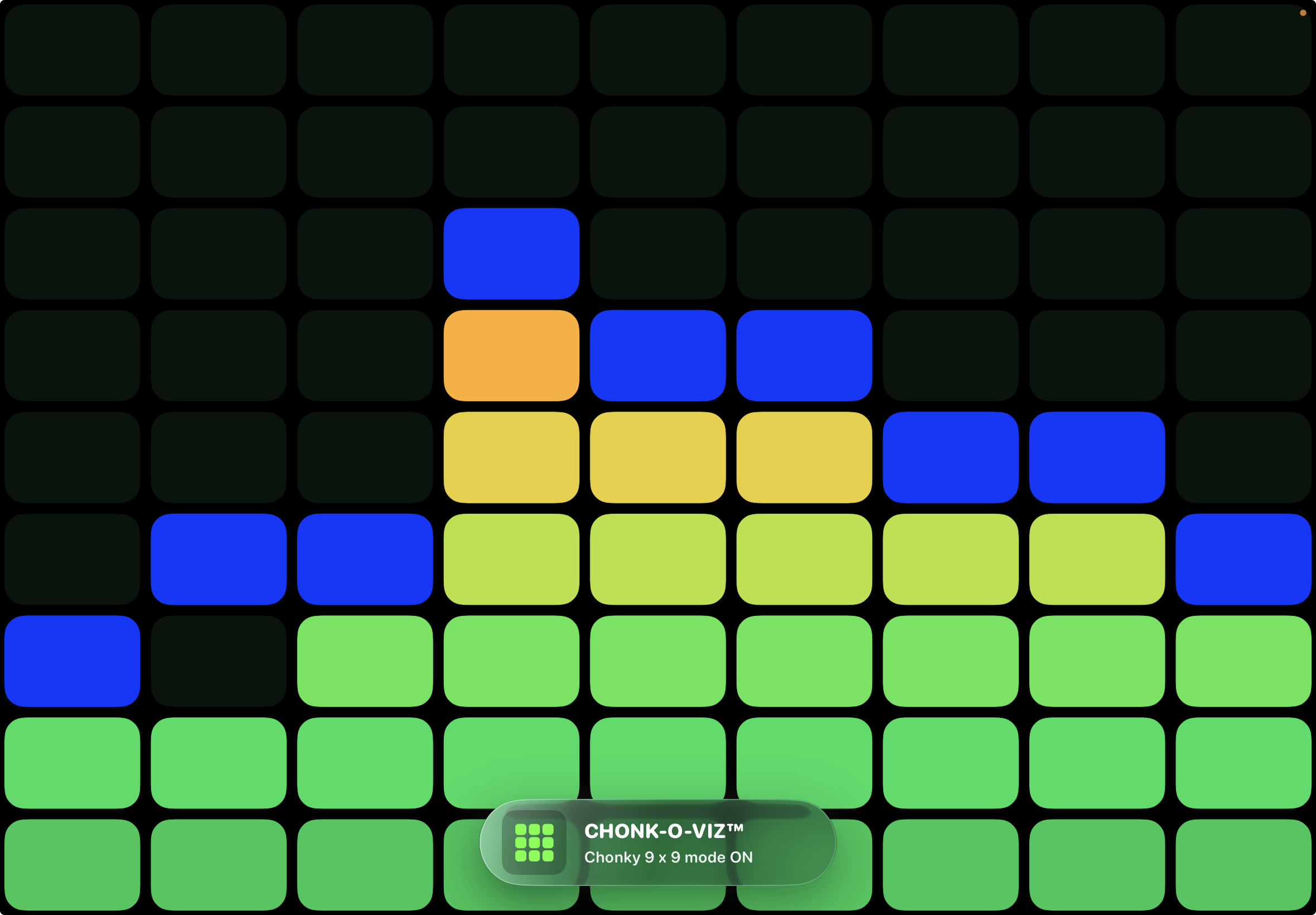
CHONK-O-VIZ with oversized spectrum blocks, recorded on iPad

CHONK-O-VIZ™

Turn the spectrum into gloriously oversized blocks when the regular lights just aren't chonky enough.

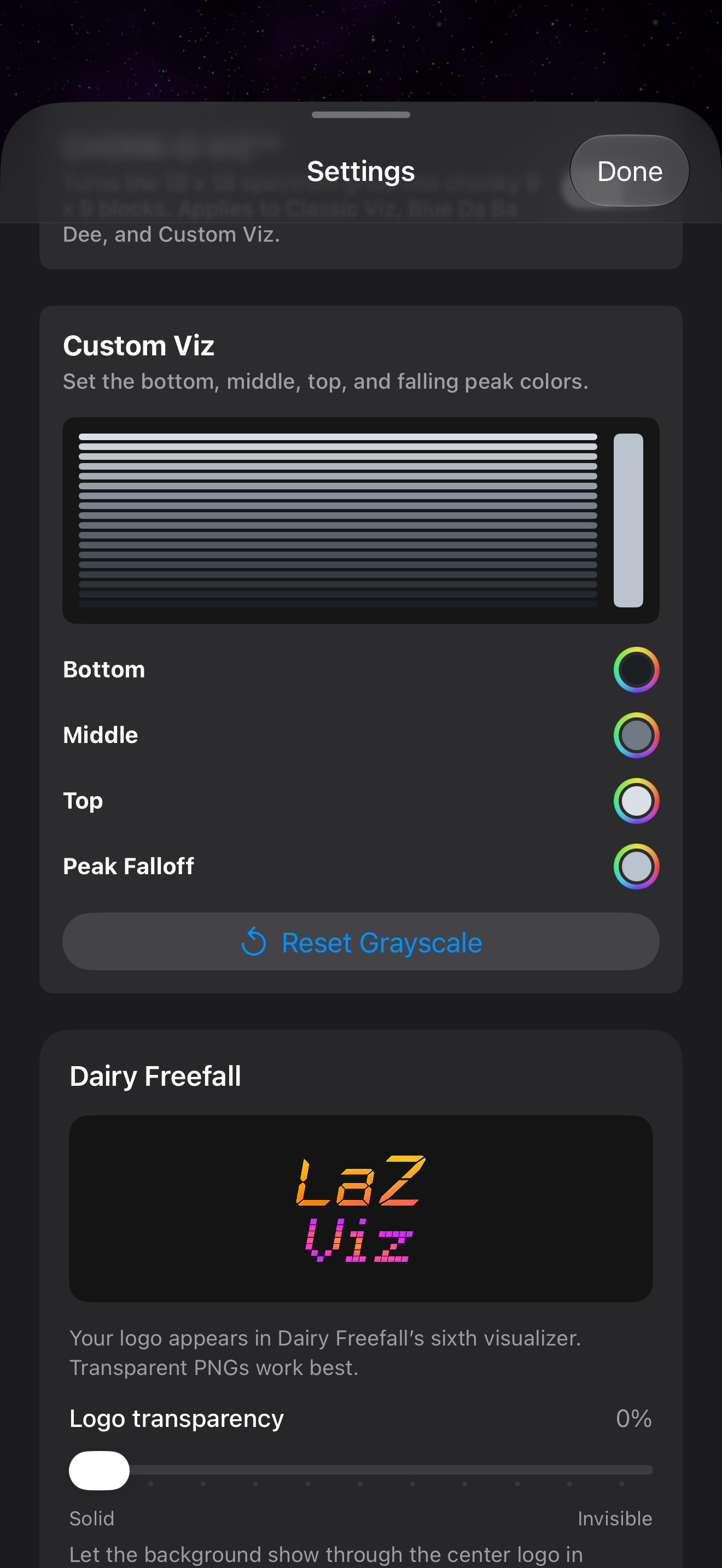
Current Custom Viz Settings with Bottom, Middle, Top and Peak Falloff color controls

Custom Viz

Choose the colors for the bottom, middle, top, and falling peaks, then make the display unmistakably yours.

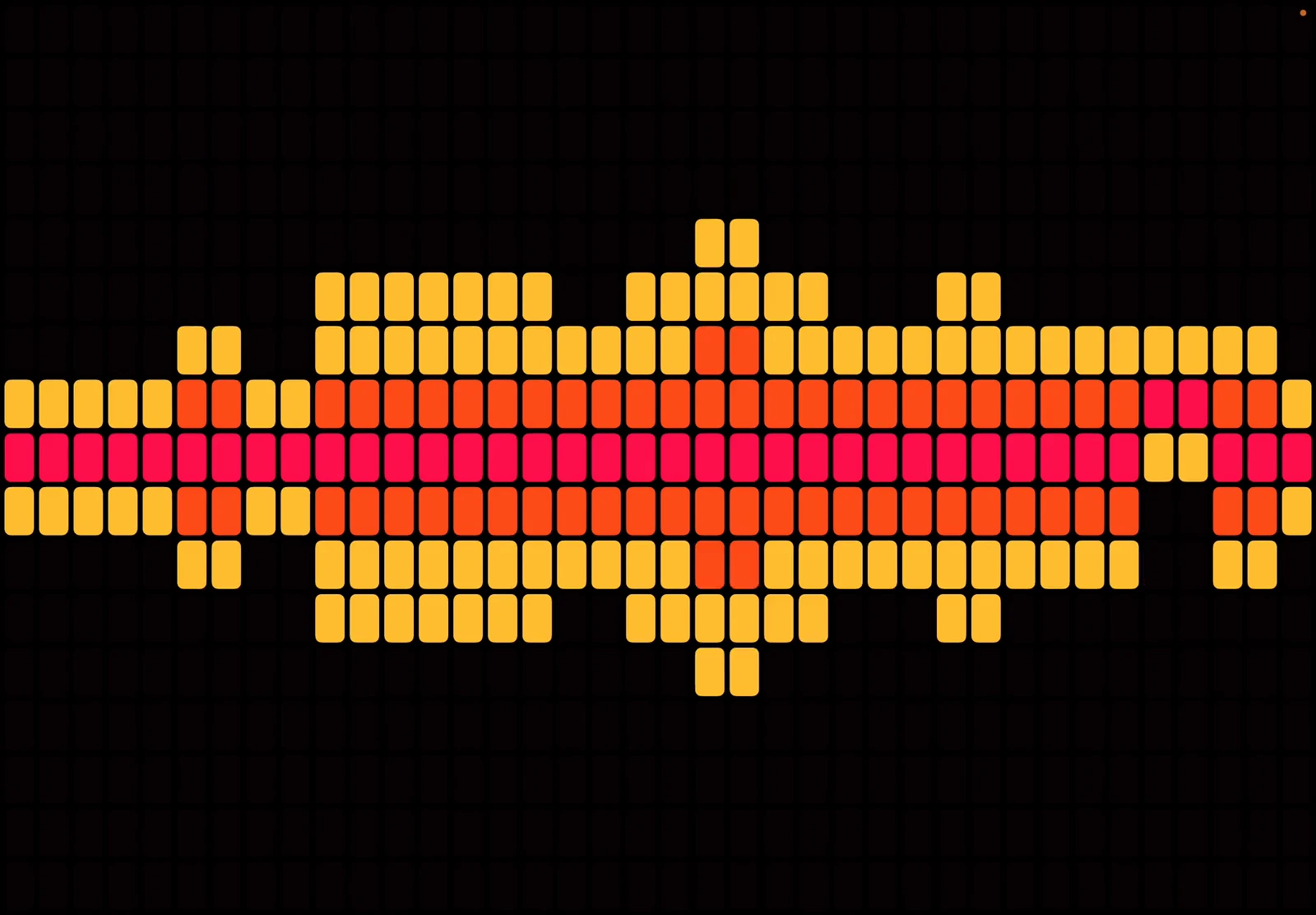
VOX captured on iPad with red, orange and yellow lights

VOX Style

Bold red, orange, and yellow block lights that turn the whole display into a wall of rhythm.

1995 stereo captured on iPad

The original stereo goes deep

Welcome back to 1995.

An interactive car-stereo faceplate with working buttons, an animated power-up sequence, presets, and eight unique visualizers of its own. It is an homage to an era of car audio long past.

App Store price · USD

$4.99 USD

Every screen. Every feature.One purchase. Yours to enjoy.

Download for $4.99 USD. Local pricing may vary.
No subscription, no signup, no tracking.

Get LaZ Viz · $4.99

Same simple deal. More to love in v2.0.

iPhone Duo + iPad

More screen.
More to fall into.

LaZ Viz v2.0’s layout work starts with the artwork: complete meter faces, round glass, readable displays and controls you can reach.

Supported regular iPhones and iPads still look and work great. Portrait, landscape and embiggened views all deserve a considered composition.

Phosphor in embiggened mode on the closed Duo cover display, with a round green tube and four knobs
Phosphor, embiggened, on the Duo cover display. Actual simulator capture.

Phosphor / Duo + iPad only

A proper home
for a little lab equipment.

Phosphor is intentionally exclusive to iPhone Duo and iPad. Its larger-display composition gives the round tube, brushed housing and four tactile controls room to breathe.

Intensity. Focus. Gain. Timebase. Each control has a place, with the waveform at the center of it all.

Explore the current captures

From the app

The current Duo preview.

Phosphor, embiggened presentation, on the closed Duo cover display
Phosphor · Embiggened · Duo cover · Portrait

Actual development captures from the Duo simulator. This collection shows embiggened views on the closed cover display in portrait, including intermediate builds. It does not demonstrate open-inner layouts or fold transitions.

Made for where music happens

Make it part of the listening ritual.

Drop the needle, set your iPhone beside the speakers, and watch the meters bring your turntable setup to life. If the mic can hear the music, LaZ Viz can make it move.

01

Turntables and stereos

Give record rooms, receivers, and speaker stacks the glowing display they deserve.

02

AirPlay and Bluetooth

Stream to a nearby speaker while LaZ Viz listens to the room through your iPhone mic.

03

Concerts and festivals

Bring a pocket-sized wall of meters anywhere the stage is loud enough to hear.

04

Parties and DJ booths

Add motion to house parties, backyard hangs, and late-night listening sessions.

05

Garages and car meets

Pair retro visuals with the stereo setups, old dashboards, and machines that inspired them.

06

Wherever the room moves

No special music service needed. Just put your iPhone near the sound and let it listen.

Made for where music happens

Your room.
Your soundtrack.

Drop the needle. Turn up the stereo. Put your iPhone or iPad beside the speakers and let the microphone do its thing.

Any music. Nearby speakers.

Vinyl, a receiver, AirPlay, Bluetooth, a live band. If the microphone can hear it, LaZ Viz can make it move.

No music-service connection needed.

Apple Music, Spotify, YouTube, Sirius XM, and other players work through external speakers. LaZ Viz listens to the room; it does not access protected audio inside other apps.

A visualizer for your sound.

LaZ Viz visualizes audio. It does not change your speaker's EQ. Headphones, CarPlay playback, and music through the device's own speaker are not supported.

More about setup and compatibility

Listener signal

Straight from the App Store.

Real words from people who put LaZ Visual EQ beside the speakers and let it glow.

  1. US App Store review ·

    Super cool!

    The old school Pioneer head unit was just what i needed when cruising in my 87 IROC Z Camaro with my slicked back hair blowing in the wind. 🤘🏼

  2. App Store review ·

    Heckin’ Sweet

    The simplicity of this app is probably my favorite thing. No calibration required, just turn it on and go. Interface was intuitive without over explaining. Gorgeous and highly reactive visuals.

    I know it’s not really a feature, but I sneezed near it once and it was fun to watch the analyzers max out. 😝

  3. App Store review ·

    The visualizer I didn’t know I needed

    I’ve never had an audio visualizer and to be honest I didn’t know I needed one until I got this. If you’re looking for the best app to visualize sound, you’ve found it with the LaZ Visual Audio Equalizer.

  4. App Store excerpt ·

    Makes music fun to watch again!

    LaZ Visual Audio Equalizer is one of those rare apps that does exactly what it promises while also being far more entertaining than you expect.

  5. App Store review ·

    BEST EQ APP!

    This app is well-made and good-lookin! I can't wait to use it everyday!

  6. App Store review · · v1.12

    A visual party!

    This app has turned my phone from dull to dancing, the visuals are so fun and give the sounds around me a visual pick me up. Love it, does exactly what it says it does.

  7. App Store excerpt · · v1.12

    Nostalgia on Tap

    This really brings me back to listening to vinyl on my father’s stereo system… A masterclass in apps that JUST. WORK. Thank you.

  8. Open review slot

    The next signal is yours.

    Review LaZ Visual EQ today and your words could take this spot.

    Write a review
  9. Open review slot

    Your review could be next.

    Review LaZ Visual EQ today to be featured here.

    Write a review
  10. Open review slot

    Keep the signal going.

    Review LaZ Visual EQ today and your words could fill this spot.

    Write a review
01 / 10
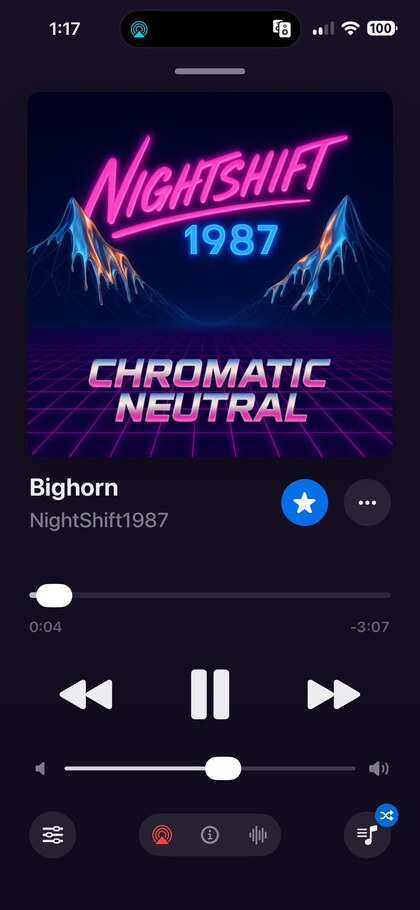
Original LaZ Player preview showing album art, playback controls, and visualizer access

Coming soon

LaZ Player is (still) coming soon.

LaZ Player is a dedicated local and cloud music player with these same visual screens built in, so visuals can be driven by the player itself instead of only by the microphone. Adjustable EQs that auto-load depending on which speaker you're playing to. Top 8, CarPlay integration, and much more!

We're now building in even more features for iPhone Duo.

In development

LaZ Jukebox.
Everybody gets a turn.

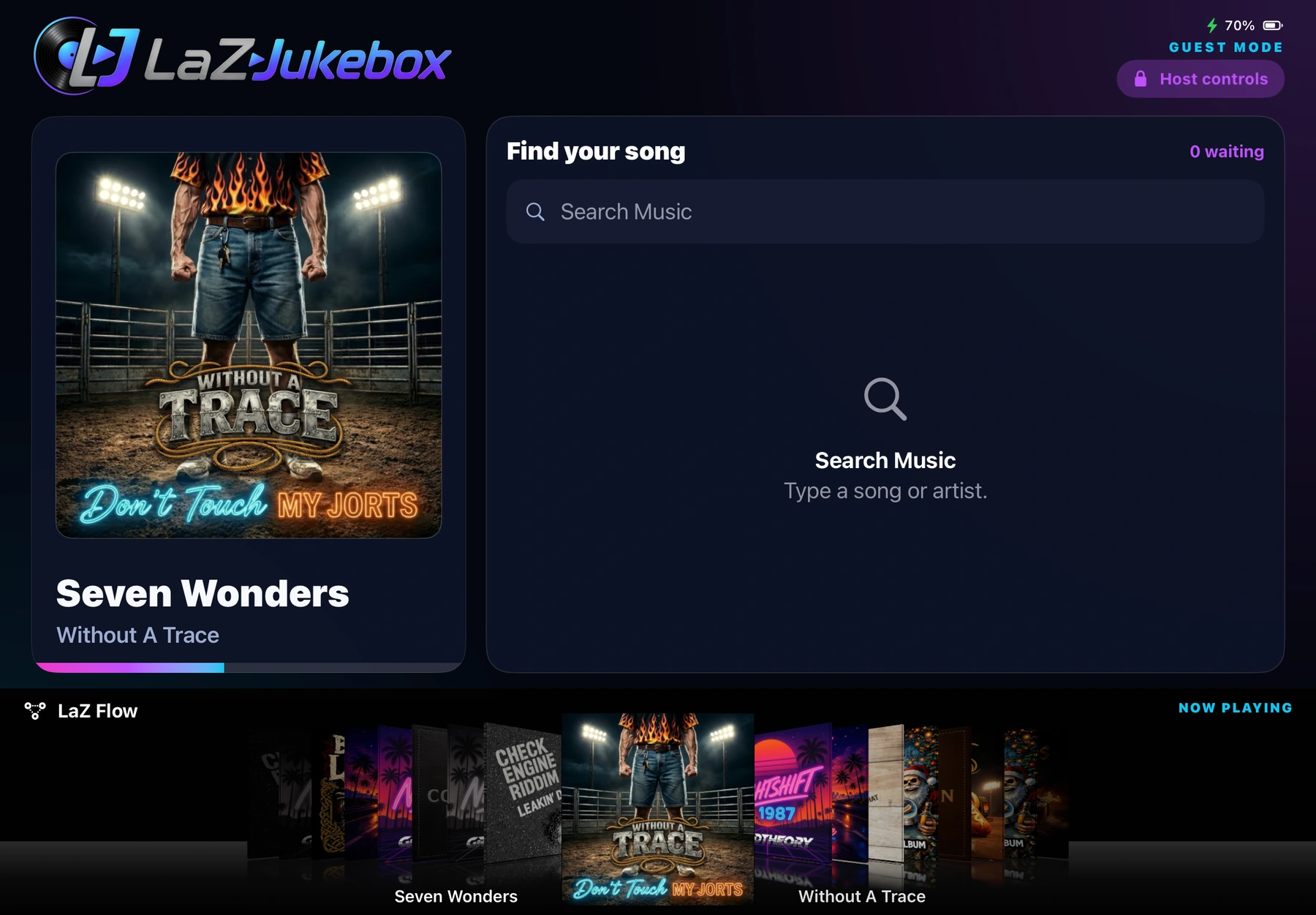
A shared listening experience with room for the whole party. Browse the music, see what’s playing and explore the LaZ Flow artwork display. Here’s a look at the landscape layout taking shape on iPad.

LaZ Jukebox development build in iPad landscape, showing Now Playing, song search and the LaZ Flow album artwork display
LaZ Jukebox in development. Actual iPad capture. A separate app from LaZ Viz and LaZ Player.

For the noisy stuff

Jeep Mode tames the rumble.

When wind, road noise, fans, and other environmental sound hit the microphone, Jeep Mode adds adjustable filtering so the display can stay responsive to the music instead of overreacting to low-frequency noise.

Wind DSP

Adjust filtering for wind and road rumble.

Bass Keep

Reduce or preserve low-end energy in noisy environments.

Jiggliness

Control how much extra movement the visualizer adds.

Woo!

Does absolutely nothing. Still important.

Your mic. Your music. Your device.

Just listen.
Nothing to sign.

No signup. No tracking. No subscription.

Your audio stays with you. Sound is analyzed on your device in real time. It is never recorded or uploaded.

No account. No listening profile. LaZ Viz does not collect your personal data or track your music.

Done listening? So is the mic. Microphone capture stops when the app closes or goes into the background.

Read the privacy policy
LaZ Viz app icon

LaZ Viz v2.0

Give your speakers
some screen time.

$4.99 USDOne purchase. Every screen. No subscription.
v2.0 is coming October 23, 2026 at 12 AM EST, iPhone Duo Launch Day.
Android app in development.